Most of us leave our laptop chargers plugged into the wall 24/7. It’s convenient, saves time, and feels harmless. After all, what damage could a small power adapter really cause? While it may seem insignificant, keeping your laptop charger constantly plugged in can create hidden risks involving safety, energy consumption, battery health, and long‑term equipment wear. Understanding these risks can help you protect both your devices and your home.
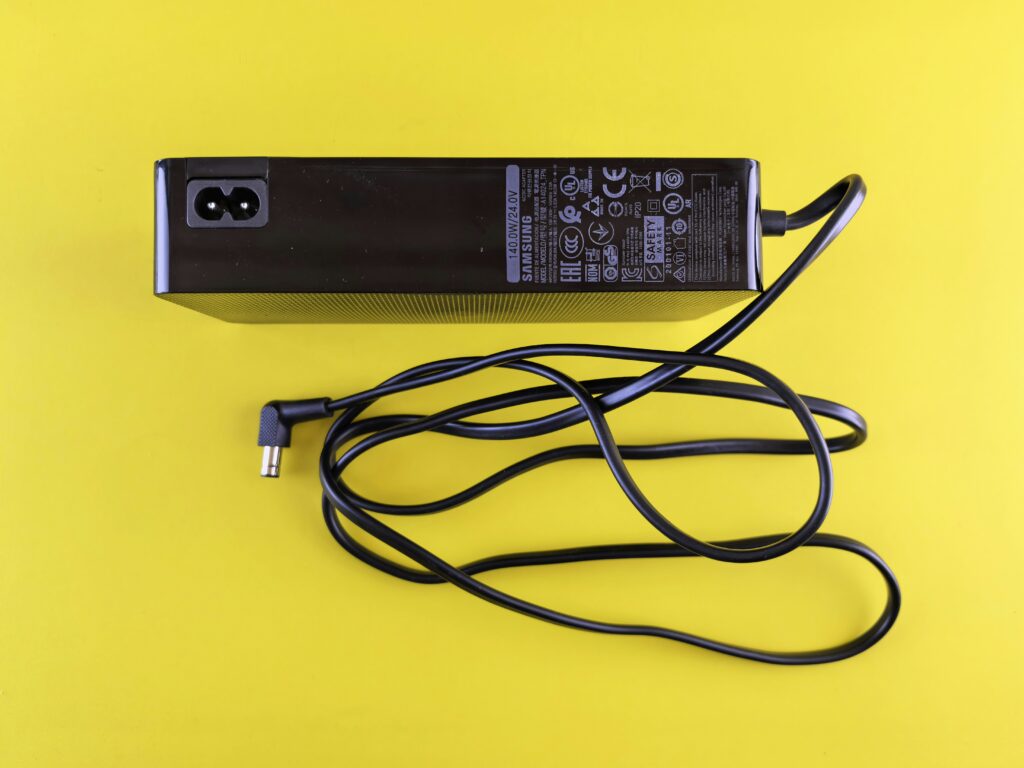
Photo by Andrey Matveev on Unsplash
Continuous Energy Drain (Phantom Power)
Even when your laptop isn’t connected, a charger plugged into the wall still draws electricity. This is known as standby power or “phantom load.” While the amount of energy consumed by a single charger is small, it adds up over time – especially when combined with other plugged‑in electronics throughout your home.Leaving chargers plugged in continuously contributes to unnecessary electricity usage and higher utility bills. It may not double your power costs, but over months and years, that idle consumption quietly accumulates. Unplugging when not in use eliminates this wasted energy entirely.
Heat Buildup and Fire Risk
Laptop chargers convert high‑voltage electricity from the wall into lower-voltage power that your computer can safely use. That conversion process naturally produces heat. If a charger remains plugged in constantly, it may stay warm even when not charging a device.Over time, heat combined with wear and tear can weaken internal components. Faulty wiring, cracked insulation, or damaged cords increase the risk of overheating. If a charger is placed on soft surfaces like bedding, couches, or carpet, trapped heat can increase the risk of fire. Although modern chargers include safety protections, electrical fires often begin with small malfunctions that go unnoticed.Additionally, cheap or counterfeit chargers – often purchased as replacements – may lack proper safety certifications, increasing the danger when left plugged in for extended periods.
Power Surges and Electrical Damage
Power surges can occur during storms, due to grid fluctuations, or when large appliances cycle on and off. When a charger is plugged directly into an outlet, it is exposed to these sudden voltage spikes.While many chargers include basic surge protection, repeated exposure to small surges can degrade internal circuitry. Over time, this wear can reduce efficiency or cause failure. In more extreme cases, a significant surge can damage both the charger and any connected laptop.Using surge protectors can reduce risk, but unplugging chargers during storms or when leaving home for extended periods provides an extra layer of protection.
Battery Stress from Constant Charging
If your laptop remains plugged in at all times, the battery may stay at or near 100% charge continuously. Lithium‑ion batteries perform best when they cycle between moderate charge levels. Keeping them fully charged for long periods can accelerate battery aging.While modern laptops use smart charging systems to manage battery health, constant high charge levels still contribute to gradual capacity loss over time. Allowing your laptop battery to discharge occasionally and unplugging the charger when fully charged can help extend battery lifespan.
Wear and Tear on the Charger
Charger cables endure physical stress from bending, twisting, and being wrapped tightly for storage. When left plugged in permanently, cords may hang at awkward angles or become pinched behind furniture. Over time, this can lead to fraying or internal wire damage.A damaged cable isn’t just inefficient—it can spark, short circuit, or shock someone who touches exposed wiring. Regularly inspecting your charger and unplugging it when not in use reduces unnecessary strain.
Risks to Children and Pets
In homes with children or pets, plugged‑in chargers create additional hazards. Curious toddlers may pull cords from outlets. Pets may chew on exposed cables. A plugged‑in charger poses a greater electrical risk than one disconnected from power.Unplugging chargers when they’re not actively in use reduces the chance of electrical shock or accidental injury.
Environmental Impact
Though small individually, millions of constantly plugged‑in chargers collectively contribute to energy waste. Reducing phantom power usage is one simple way to lower your carbon footprint. Small behavioral changes across many households can have a meaningful environmental impact.


Practical Tips to Reduce Risk
Fortunately, minimizing these risks is simple:
- Unplug chargers when not in use.
- Use surge protectors for added protection.
- Avoid placing chargers on soft or flammable surfaces.
- Replace frayed or damaged cables immediately.
- Purchase certified, manufacturer‑approved chargers.
- Allow your laptop battery to cycle occasionally rather than staying at 100% continuously.
These steps take only seconds but can significantly reduce safety and maintenance concerns.
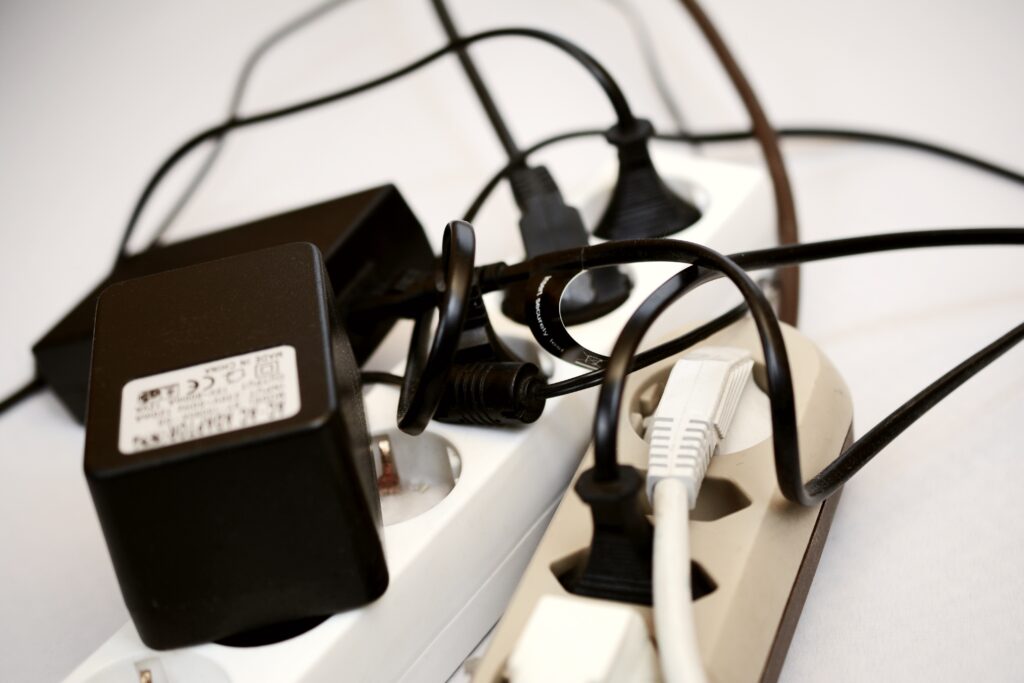
Image by congerdesign from Pixabay
Conclusion
Leaving your laptop charger plugged in may seem harmless, but it carries hidden risks, including energy waste, battery wear, overheating, and electrical damage. While modern chargers are designed with safety features, constant exposure to power and heat increases long‑term strain. By unplugging chargers when not in use and practicing simple safety habits, you can protect your devices, reduce costs, and create a safer home environment.